AI tools have quietly become part of the daily routine for a lot of small businesses. Drafting emails, summarizing documents, answering repetitive questions. These are real time-savers, and the technology has gotten good enough that people actually rely on it now.
But here’s the thing: most businesses are accessing AI the same way, through a cloud subscription that bills by the month, by the message, or by how much text you process. And a lot of them are paying for it without ever asking whether there’s a better setup for their situation.
There is. It’s called local AI, and it’s worth knowing about.
What “cloud AI” actually means
Every time you use a tool like ChatGPT or Gemini, your text gets sent to a remote server, processed by a model running on someone else’s hardware, and returned to you as a response. The company behind it logs your usage, potentially trains on your inputs, and charges you for access.
For plenty of tasks, that’s a reasonable trade. But if your business handles anything sensitive, like client files, financial records, or internal planning documents, you’re handing that information to a third party every time you hit send. That’s a privacy question worth taking seriously, especially as regulations around data handling continue to tighten.
What local AI actually means
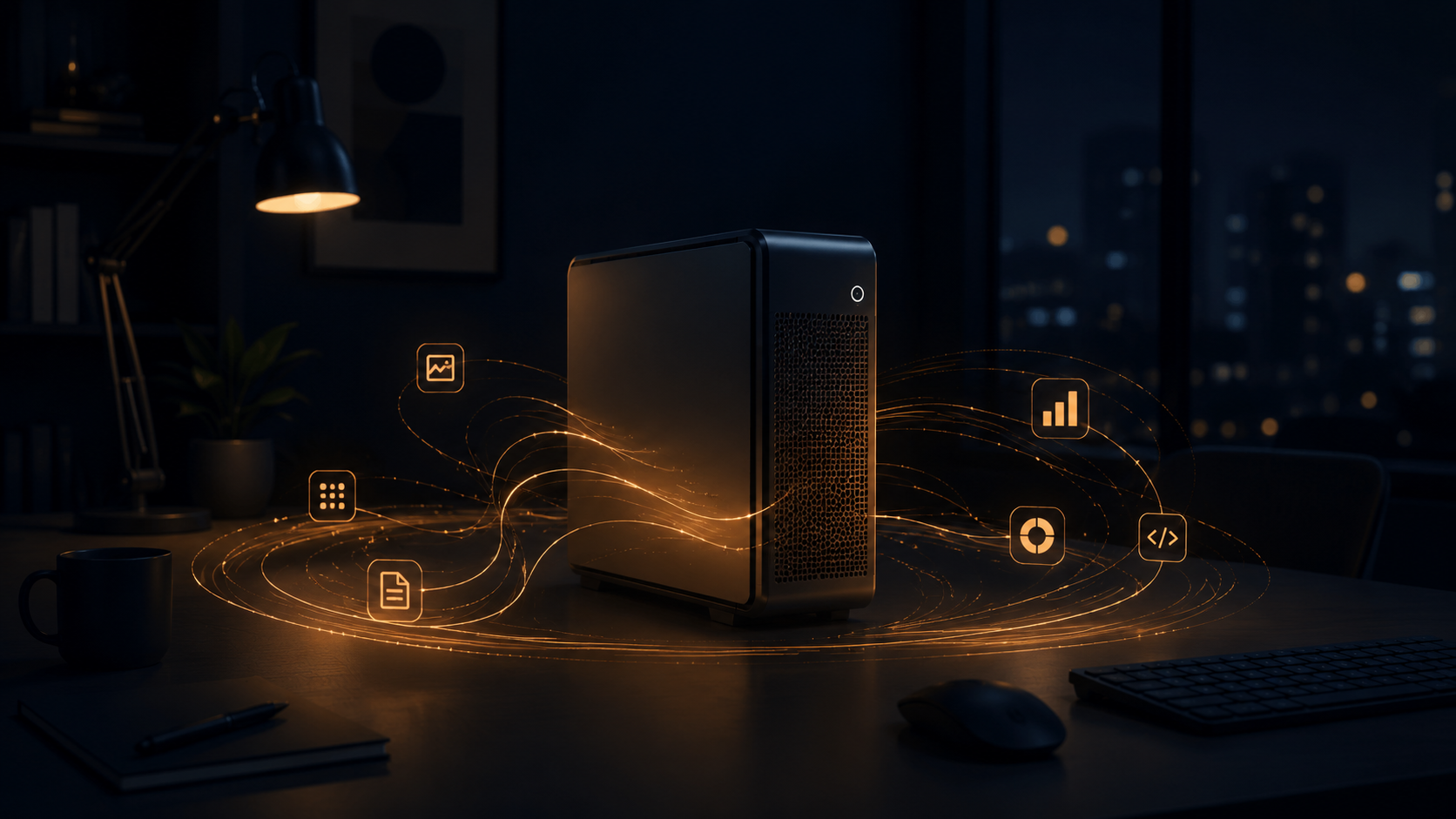
Local AI means the model runs on hardware you own. A desktop, a workstation, or a small in-office server. Your data stays on your network and goes nowhere else. No per-message fees, no usage caps, no monthly bill once it’s set up.
Tools like Ollama have made this much more accessible than it used to be. You don’t need a machine learning background to get a capable model running. A reasonably modern computer is often enough to get started, and the gap between local and cloud model quality has narrowed significantly over the past couple of years.
The practical advantages
Cost over time. Cloud AI subscriptions add up faster than people expect. A small team using these tools daily can hit $150 to $300 a month without much effort. A one-time hardware and setup investment often pays for itself within a few months, and after that the ongoing cost is basically zero.
Privacy by default. When the model runs locally, your prompts and documents never touch an outside server. There’s no terms-of-service clause to worry about, no third-party breach risk, and no question about whether your business data is being used to train the next version of someone else’s product.
Works without the internet. Cloud tools go down. They have outages, throttling during busy hours, and rate limits that kick in at the worst times. A local model runs regardless of what your connection is doing.
You can actually customize it. Local models can be given context about your business, your industry, and your preferred tone in ways that stick. You’re not starting from scratch every session or re-explaining your situation to a general-purpose chatbot.
Where cloud AI still makes sense
Local AI isn’t the right fit for everything. If you need top-tier performance on complex creative or analytical tasks, the biggest cloud models are still ahead. If there’s nobody on your team to handle setup and occasional maintenance, the initial friction is real. And if your data is non-sensitive and your usage is light, a standard subscription might just be the simpler choice.
The point isn’t to avoid cloud AI at all costs. It’s to pick the right tool based on what your business actually needs, not just what’s most heavily marketed.
What the setup process looks like
For most small businesses, getting local AI running comes down to three things: a capable machine (a modern desktop with a decent graphics card helps, though it’s not always necessary), software like Ollama to manage and run the model, and a simple interface your team can use day-to-day.
The initial setup usually takes a few hours with someone who knows the stack. After that, using it is pretty much the same experience as any other AI chat tool. The main differences are that you own it, it doesn’t cost anything per use, and your data stays put.
If you’re wondering whether local AI makes sense for your business, the honest answer depends on your data sensitivity, how often your team uses AI tools, and what hardware you already have. It’s worth a quick conversation before committing to another year of cloud fees.
Get in touch and we can figure out what actually makes sense for your setup.