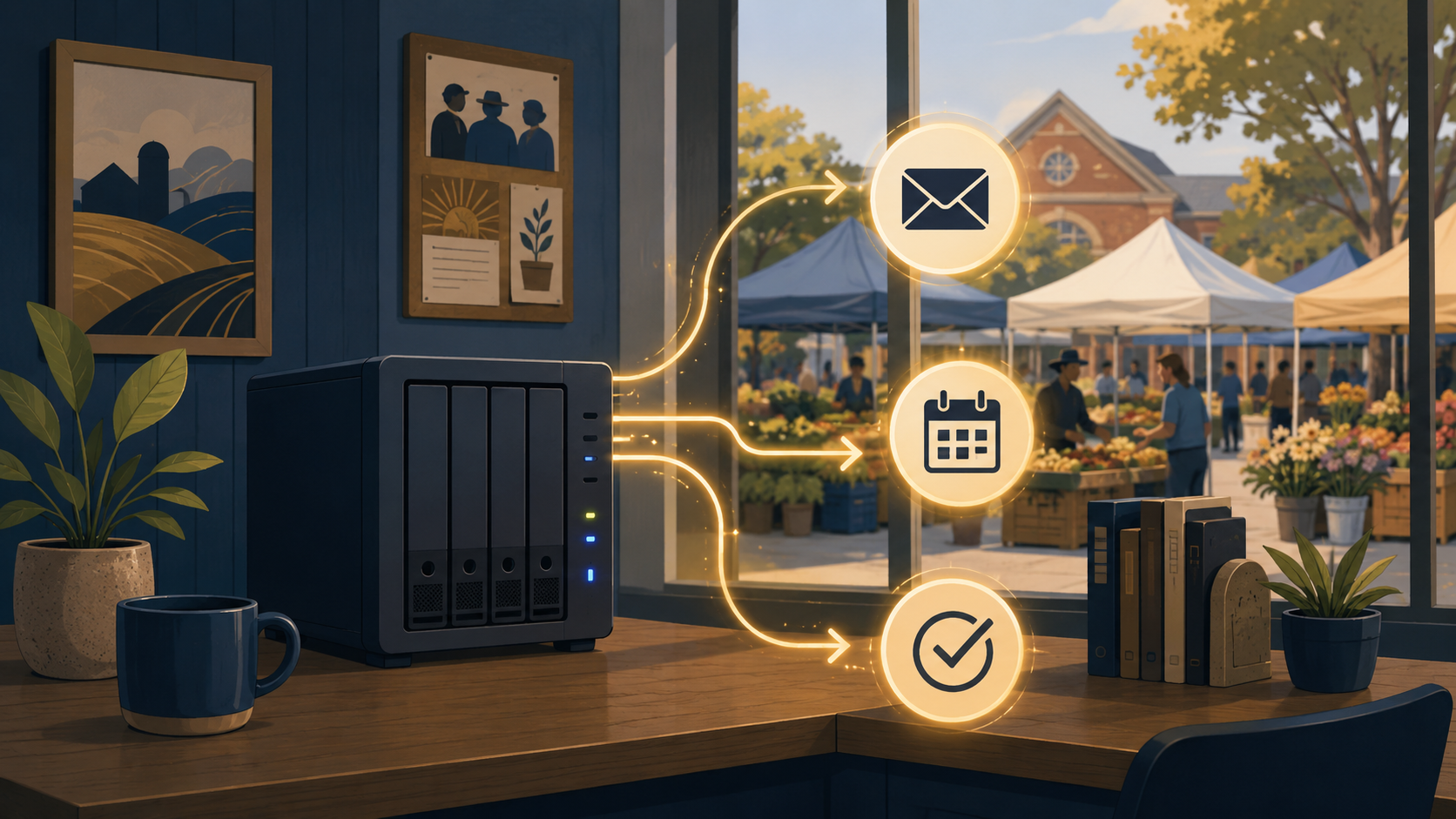
When David at Fellowship Hall first described their vendor intake process to me, I had to ask him to repeat it.
Every Saturday, they run a Farmers & Arts Market in Salt Lake City. Vendors apply, get reviewed, get accepted or rejected, get assigned a spot, pay their fees, and show up. Simple enough on paper. But the actual process was: someone exports vendor emails from a form tool, pastes them into a spreadsheet, manually sends acceptance emails, updates a separate tracking sheet, then manually emails spot assignments before each market day.
That’s one person, several times a week, doing work that computers are better at than humans. David estimated it was eating 10 hours a week of his director’s time. Time that could go toward, I don’t know, running a nonprofit.
I built them a replacement that’s been running ever since. Here’s what it does and how I built it.
The problem with their old setup
The existing system wasn’t bad because of one big flaw. It was death by a thousand spreadsheet tabs.
There were intake forms that didn’t connect to anything. Tracking spreadsheets that required manual entry. Email sequences that someone had to initiate by hand. No single source of truth for vendor status. And every time something changed — a vendor updated their contact info, or a market date got moved — someone had to update it in three different places.
The bigger issue: all of that data was scattered across cloud tools with accounts the organization didn’t fully control. When staff turned over, institutional knowledge about the spreadsheet structure walked out the door with them.
What I built
The full pipeline runs on a server inside their building. Nothing goes through a third-party cloud service. Here’s the stack:
n8n handles the automation logic. Vendor applications come in through a web form, trigger an n8n workflow, and that workflow handles everything downstream: logging the application to the database, sending confirmation emails, flagging applications for review, and (once reviewed) sending acceptance or rejection emails with the right information.
NocoDB is the database layer. It gives David and his team a clean spreadsheet-like interface to view and manage vendor records, without actually being a spreadsheet. Everything is relational, so when a vendor’s status changes in one place, it’s updated everywhere.
Cloudflare Tunnel handles secure external access without opening any ports on their network. The public-facing form and any external webhooks route through Cloudflare’s edge and arrive at the internal server without exposing it to the open internet.
Nginx serves the front end — the forms, confirmation pages, and any admin-facing views that run in a browser.
Custom PHP handles some of the form logic and validation that I wanted tighter control over than a no-code form builder would allow.
How the vendor registration flow actually works
A vendor lands on the registration page, fills out the form. The form validates their input client-side, then submits to the PHP endpoint, which does a second round of validation and passes the data to n8n via webhook.
n8n takes it from there. It writes the application record to NocoDB, sends the vendor a confirmation email that it received their application, and creates a review task in the admin view for David’s team.
When a reviewer approves or rejects an application, n8n handles the outbound email automatically. No manual copy-paste, no “did we remember to send that?” The system does it.
Before each market day, n8n runs a scheduled workflow that pulls confirmed vendors from NocoDB and sends spot assignment emails. David’s team just needs to make sure the spot assignments are updated in NocoDB before the trigger fires.
What it replaced
The 10-hours-a-week estimate was David’s number, and I believe it. The things that are now automated:
- Logging every application to a central database
- Sending confirmation emails to applicants
- Sending acceptance and rejection emails after review
- Spot assignment emails before each market day
- Cross-referencing vendor records across what used to be multiple spreadsheets
What took staff time is now handled by software, on hardware they own, with no subscription fee for the automation layer.
Why self-hosted matters for a nonprofit
This comes up with almost every nonprofit client I work with. They’re often paying for a stack of SaaS tools because someone told them it was easier than hosting anything themselves. And it is easier, right up until the moment the pricing changes, the vendor gets acquired, or the person who set up all the integrations leaves.
Fellowship Hall’s system doesn’t have any of those risks. The data lives on hardware in their building. The automation logic is in n8n, which is open source. The database is in NocoDB, also open source. If I got hit by a bus tomorrow, someone with basic Linux skills could maintain the whole thing from documentation.
That’s what I mean when I say self-hosted. Not “cheaper.” Durable.
What happened with the Father’s Day Kickback
After the vendor pipeline was running, David asked if I could build something similar for a car and bike show they were running for Father’s Day. Same general shape — registration intake, confirmation emails, day-of logistics — but different enough that it was its own build.
I used the same stack and reused patterns from the vendor pipeline. The registration system was live within a week.
That’s one of the side benefits of building a real platform instead of one-off automations: the second project is always faster than the first.
If your organization is running on spreadsheets and manual emails and you’ve started to feel the weight of it, that’s what I work on. I do on-site setup in Salt Lake City and remote projects anywhere.
Get in touch and tell me what’s taking too long.